

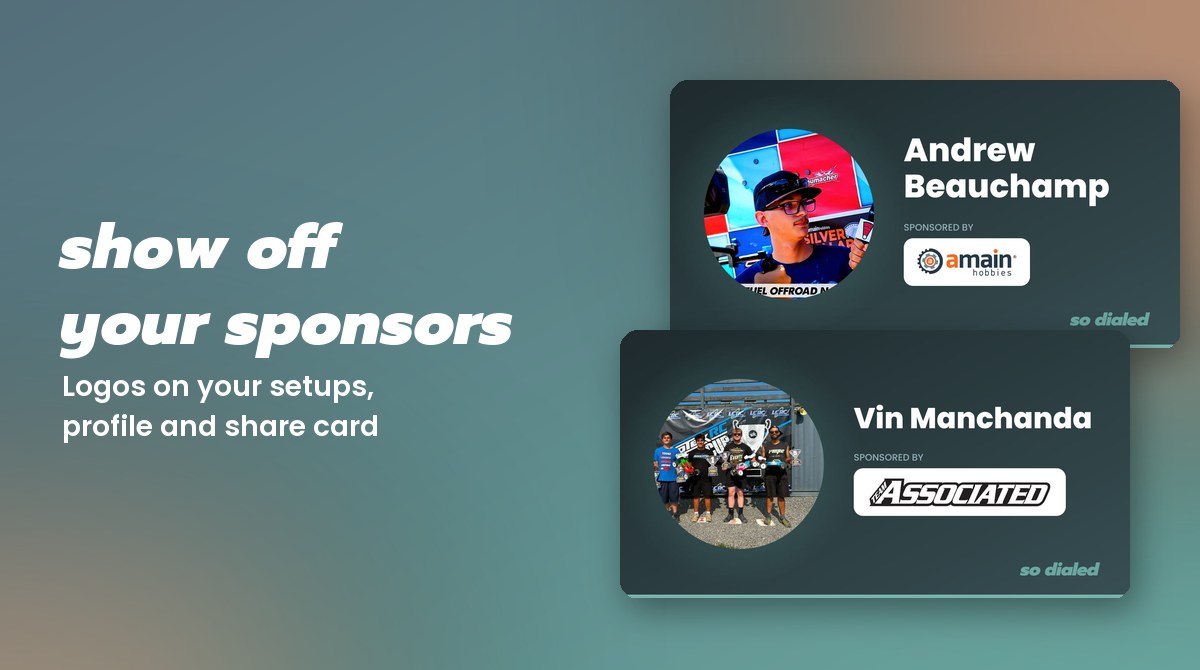
A lot of racers who share their setups are representing somebody: a manufacturer, a shop, a team. Now your sponsors get the credit, as real logos, everywhere your setups show up.
On every setup you share
Each shared setup on sodialed.com shows "Sponsored by" with your main sponsor's logo, right under your name. Tap it and it goes to your sponsor's site. Here's one from our team driver Vin Manchanda:
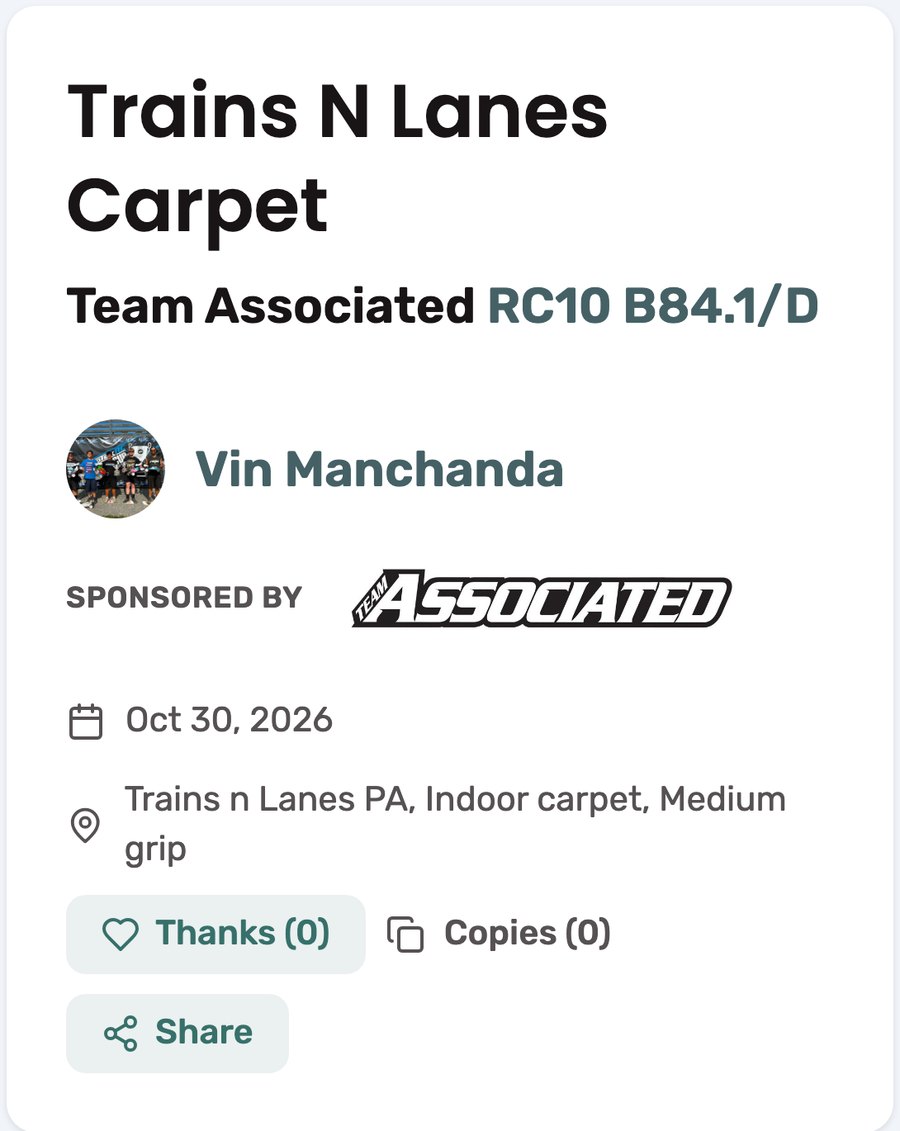
The same goes for the RC Setup App: when someone opens your shared setup in the app, they see your sponsor there too.
On your driver page
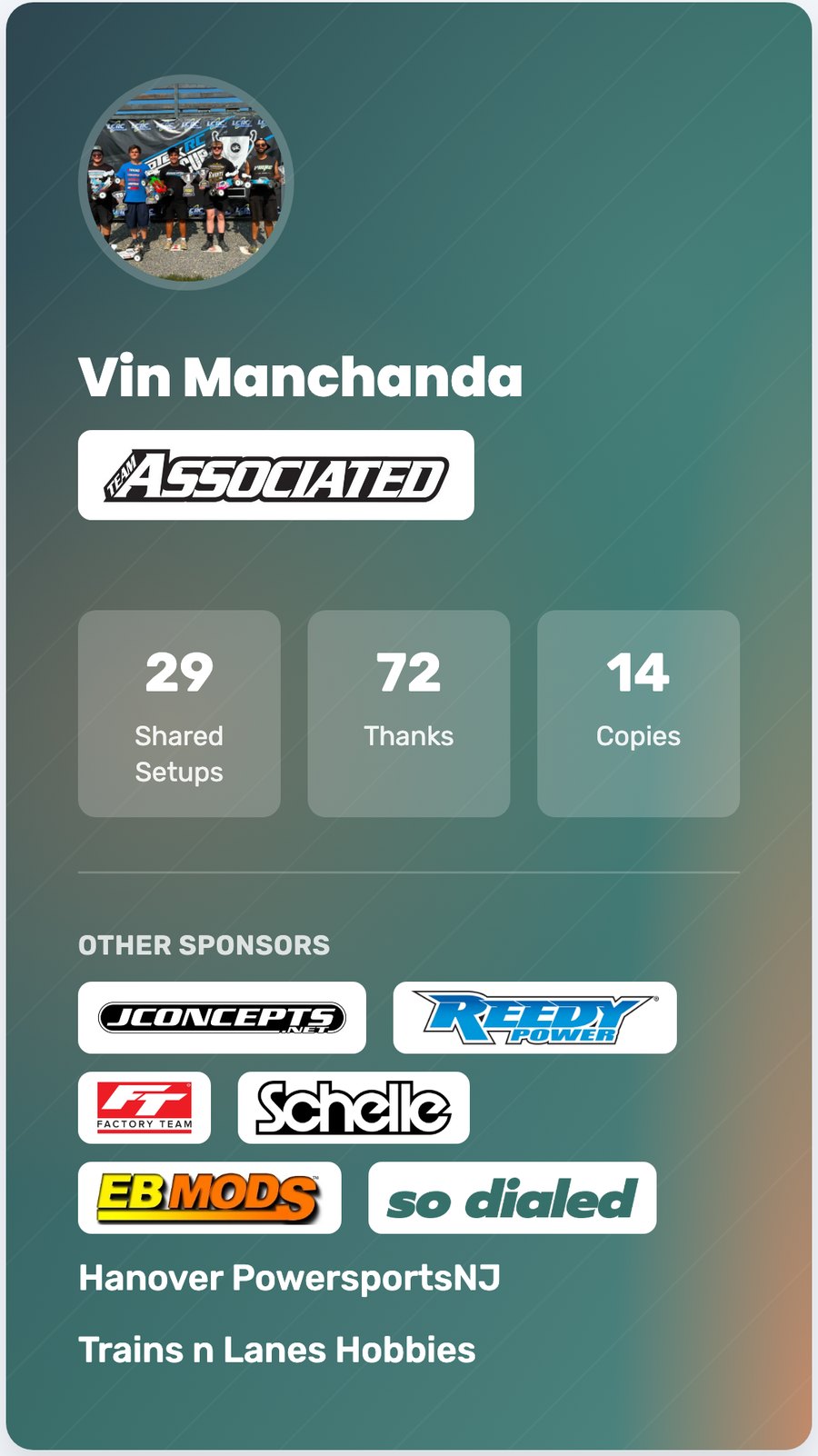
Your driver page shows your main sponsor up top and the rest of your sponsors underneath, with logos for the ones we recognize.
On your share card
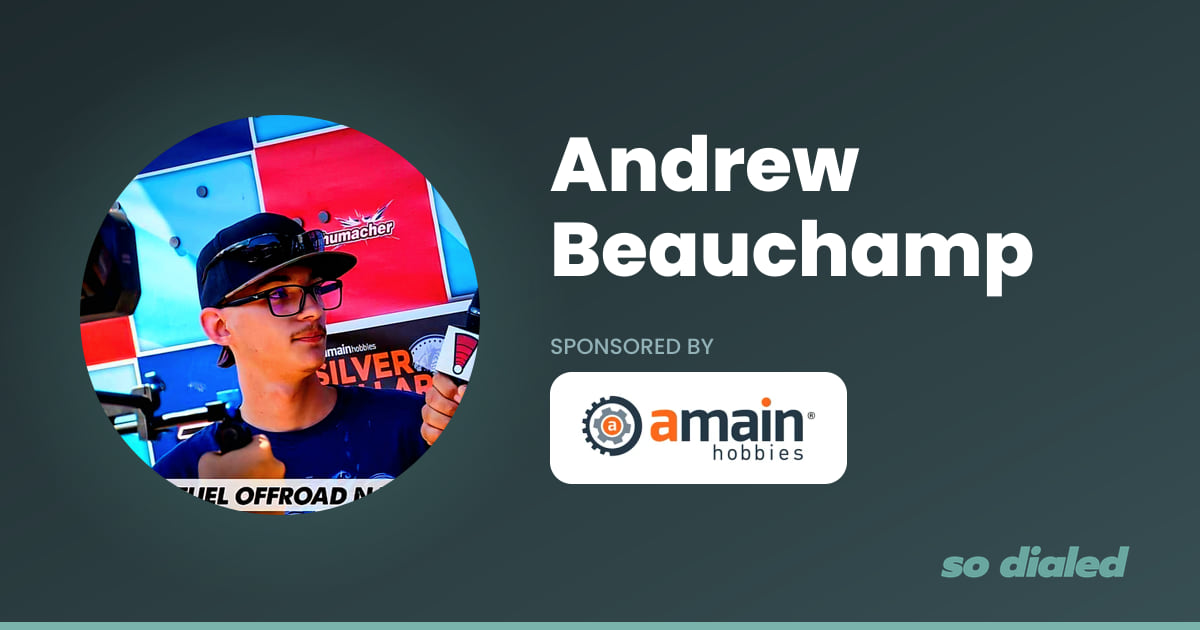
Share a link to your driver page and it shows up as a card with your photo and your sponsor. Here's team driver Andrew Beauchamp's:
How to add yours
Add your sponsors in your profile in the RC Setup App. If we already know the company, its logo shows up automatically. If your sponsor isn't on our list yet, upload its logo from your profile and it will appear once it's been checked.
Then share a setup. That's the best way to show your sponsors what you're doing with their parts.
